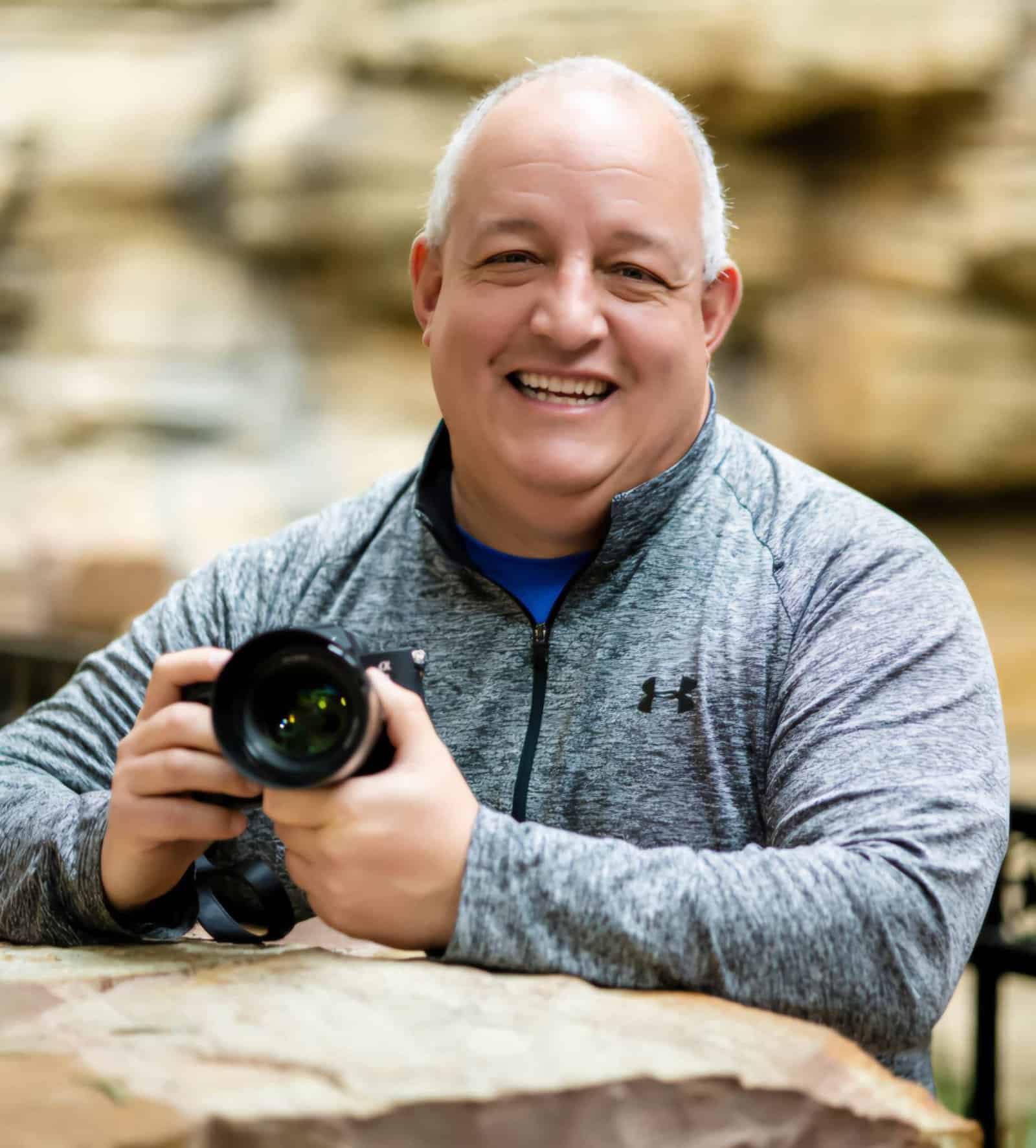
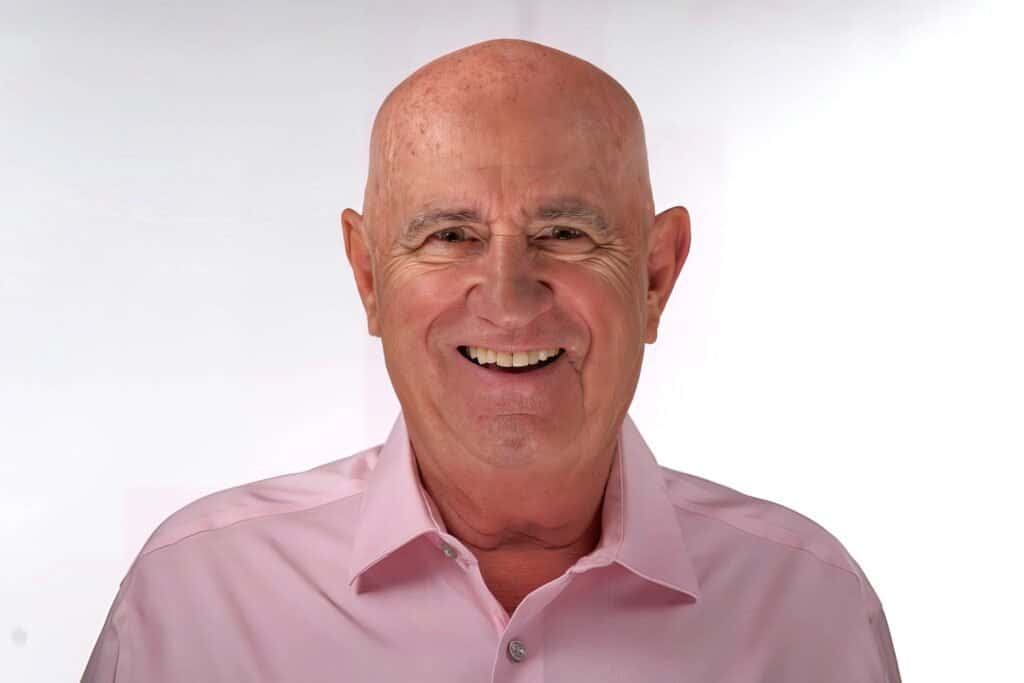
For a lot of professionals, LinkedIn is the first place a new contact, client, or employer will look you up. Here are 10 simple tips to make your profile work for you. I’ll start with the one I know best: your photo.
1. Use a professional headshot
Your photo is the first thing people see. Use a clear, well-lit photo where your face fills most of the frame and you look friendly and confident. No group photos, sunglasses, or pictures from a wedding.
2. Add a background banner
The wide image behind your photo is free advertising space. Use a photo of your work, your city, or a simple design with your business name.
3. Write a clear headline
Instead of just your job title, say what you do and who you help. For example: “Realtor helping families buy their first home in Orlando.”
4. Tell your story in the About section
Write a few short paragraphs in plain language: what you do, who you help, and what makes you different. Write it like you’re talking to someone.
5. List your experience
Include your current and past roles with a sentence or two about what you accomplished in each.
6. Add your skills
List the skills that matter most in your field so you show up when people search for them.
7. Ask for recommendations
A few kind words from a past client or coworker go a long way.
8. Show your work
Add photos, articles, or projects to the Featured section so people can see what you do.
9. Keep it up to date
Update your photo every couple of years and your job details whenever something changes.
10. Be active
Post, comment, and congratulate people now and then. The more active you are, the more people see your profile, and your new headshot.
Ready for your headshot?
My headshot session is $295. It includes up to 60 minutes on location anywhere within 25 miles of downtown Orlando, unlimited outfit changes, posing and expression coaching, and 3 professionally retouched images.
Call or text me at (847) 636-9701 and let’s get you photos you’ll be proud to use.