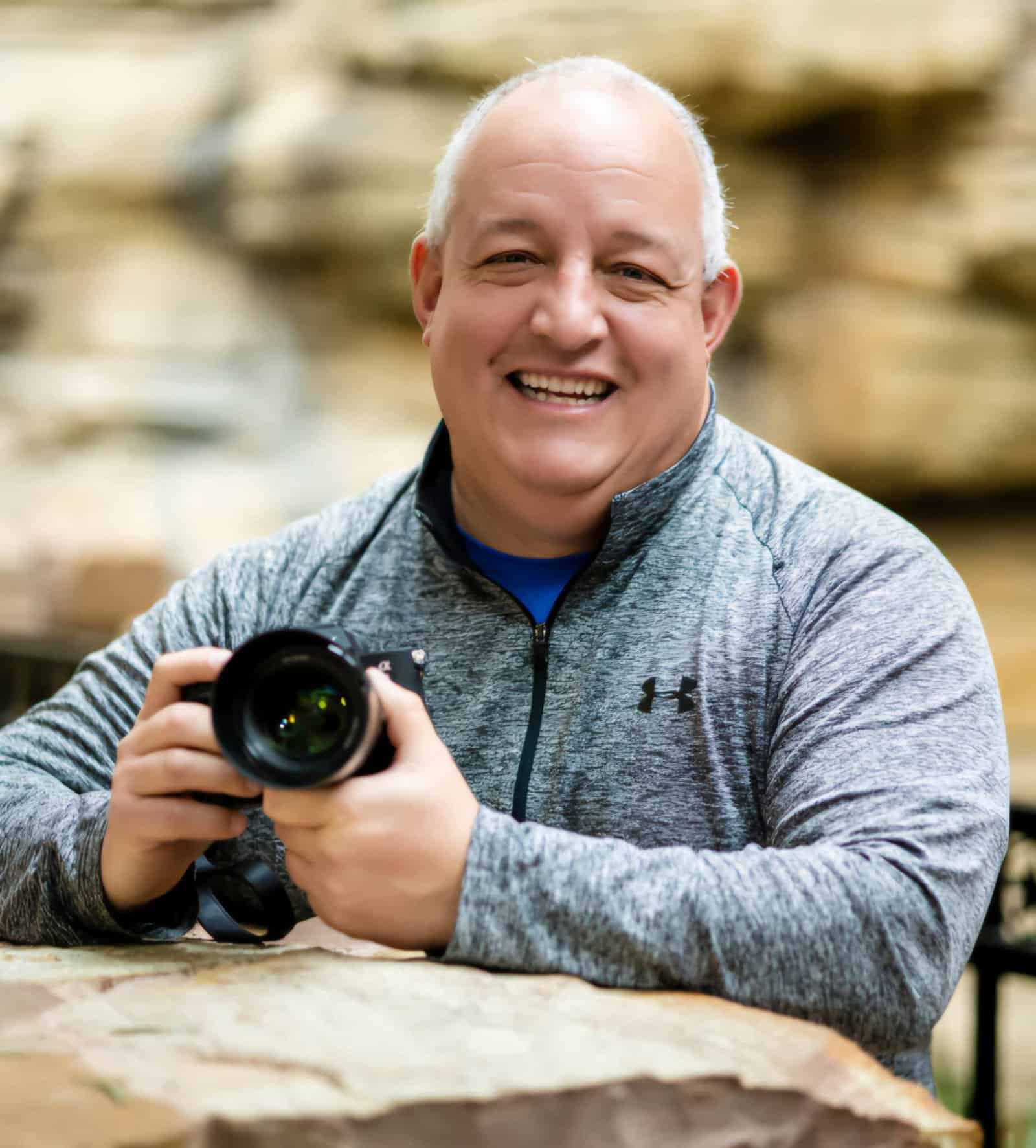
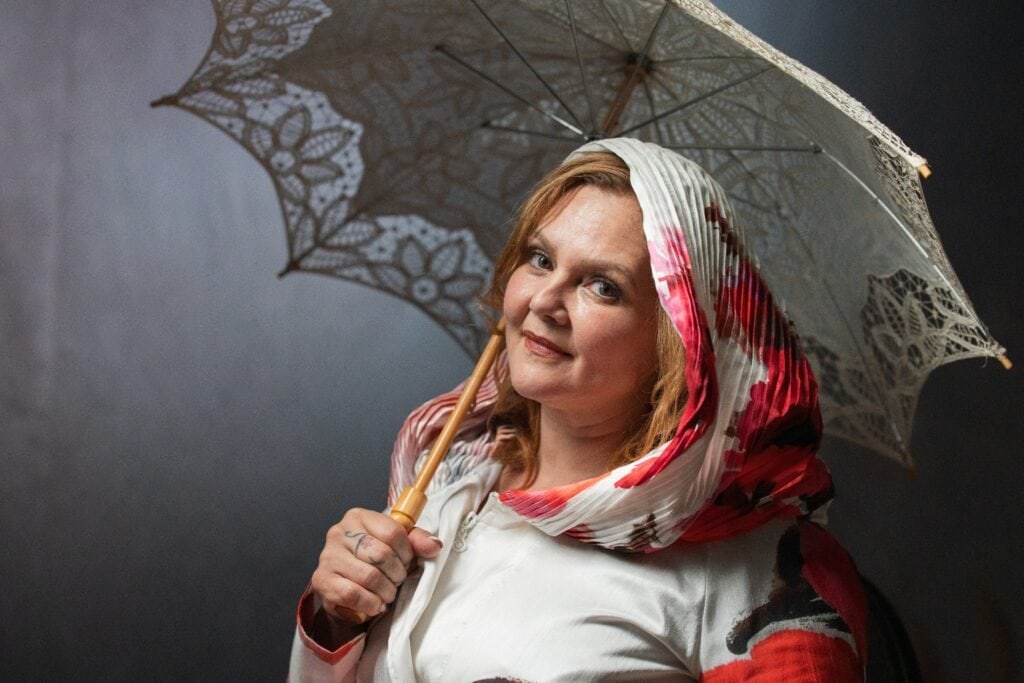
Clients, patients, partners, and casting teams judge in seconds. A credible portrait—placed in the right spots—shortens that path to “yes.” Define the promise before you shoot, standardize the look, coach authentic expression, capture role-specific variants, and deploy where it moves numbers (LinkedIn, bio pages, proposals, decks, email).
1) Define the Promise Before the Picture
A portrait isn’t decoration—it’s positioning. Before anyone touches a camera, articulate what your image should say.
What to do (10 minutes):
- Audience: Who must trust you at a glance? (e.g., “in-house counsel,” “new patients,” “seed investors,” “casting directors.”)
- Outcome: What decision do you want next? (Book consult, accept meeting, invite to read page two.)
- Tone: Which two adjectives must the image convey? (Calm precision, decisive leadership, approachable expertise.)
Example (Attorney):
- Audience: Mid-market CEOs
- Outcome: “Schedule a 20-min risk review”
- Tone: Assured + approachable
Why it matters: Like your golf stance, setup determines the shot. A clear promise avoids “generic professional” and ensures the photo reads as you on purpose.
2) Lock a Visual Standard (Consistency Wins)
Mixed backgrounds, lighting, and crops across LinkedIn, your firm site, and decks signal chaos. Consistency implies competence.
Standards to decide once and keep:
- Background: Clean, light or neutral. No heavy textures or distracting patterns.
- Lighting: Soft, flattering, minimal shadow; same direction for every subject.
- Framing: Deliver tight headshot and ¾ portrait, both vertical & horizontal for layout flexibility.
- Wardrobe palette: Fitted, press-ready basics. Blazers that hold shape. Doctors/dentists: include white-coat variant.
- Export set: Web (1500–2000px JPG), Print (300dpi), PNG (transparent if needed), tasteful B/W.
Team advantage: When everyone follows one standard, your firm/practice page instantly reads as organized and trustworthy.
3) Coach Micro-Expressions (The “Looks Like Them” Factor)
Expression sells competence more than any background ever will. You want credible warmth—not a yearbook grin or a grim mugshot.
On-set cues (simple and repeatable):
- Breath: Slow exhale to drop shoulder tension; eyes engage first.
- Jawline: Tiny “ears forward” (not forehead) to define the line without strain.
- Sequence: Neutral → hint of smile → confident smile → soft laugh → reset. Shoot the transitions; that’s where authenticity lives.
- Glasses: Clean lenses, slight tilt to avoid glare. Shoot with/without if frames are signature.
Why it works: Micro-expression variety gives you options for different contexts: tighter smile for investor decks, warmer variant for patient portals, neutral for thought-leadership features.
4) Build Role-Specific Variants (Right Face, Right Use)
Different audiences expect different cues. Capture a small set once, so you never scramble before a pitch or press request.
By profession:
- Attorneys / CPAs: Authoritative + approachable (firm bio, proposals, expert witness pages). Consider a subtly darker backdrop for gravitas.
- Doctors / Dentists: Clinical trust (white coat or scrubs variant; patient-friendly expression). Add a clean environmental frame (exam room detail).
- Advisors / Consultants / Executives: Decisive but warm (investor decks, PR, speaking). Include one environmental—boardroom or clean desk.
- Engineers / PMs: Precision and clarity (case studies, RFP bios). Hands-at-work detail (diagram, device) adds credibility.
- Actors / Models: Primary headshot plus 1–2 character looks; ensure both tight and three-quarter crops for casting sites.
Pro tip: Label files by name_role_use so marketing, recruiting, and PR can grab the right image instantly.
5) Place Strategically Where It Changes Behavior
Pretty on Instagram is fine. But your image should do real work in high-impact locations.
Priority placements (in order):
- LinkedIn: Pair the portrait with a results-driven headline (e.g., “Orthopedic Surgeon | Faster, Pain-Smart Recoveries” or “Tax Counsel | Risk Down, Cash Flow Up”).
- Firm/Practice Bio: Above-the-fold portrait + one-line value prop; add a clear next step (“Schedule a consult”).
- Proposals / Pitch Decks: Introduce the team with small portraits and one result bullet per person—faces humanize credentials.
- Email Signature: Clean, small image improves recall and reply rate.
- Media Kit / Speaker Page: Press-ready crops (horizontal + vertical) reduce friction for producers and organizers.
Measure here first: These surfaces change replies, bookings, and close rates fastest.
6) Shoot Once, Reuse for 12–18 Months
Plan the session as a library build, not a single headshot.
Minimal shot list that covers 90% of use cases:
- Tight headshot (V + H)
- ¾ portrait (V + H)
- Simple environmental (desk, conference room, lab—keep uncluttered)
- Hands-at-work detail (chart, model, instrument, code on screen—tasteful)
File hygiene:
- Web, print, PNG, and B/W variants
- Filenames: lastname_role_headshot_v_web.jpg, etc.
- One shared folder; short README with where to use what
Result: Faster page launches, proposal updates, and PR turnarounds—no last-minute photo hunts.
7) Measure ROI Like a Pro (30–60 Days)
If it doesn’t move numbers, it’s just pixels. Track simple signals tied to outcomes.
Suggested metrics:
- LinkedIn: profile views, connection/reply rate after updating headshot + headline
- Website: time on bio pages, “Contact/Book” clicks
- Sales/Intake: proposal acceptance, show rate for consults
- Media/Speaking: response time and acceptance rate from producers/organizers
Iterate: If a warmer crop outperforms on the patient portal, standardize it there. If a more neutral frame wins in RFPs, use it in proposals.
Examples by Profession (Quick Wins)
- Attorney: Tight headshot for LinkedIn; ¾ portrait with darker backdrop on firm bio; small horizontal for proposals. Headline: “M&A Counsel | Lower Deal Risk, Faster Close.”
- Physician/Dentist: White-coat variant for patient portal and provider directories; warm headshot for Google Business Profile; environmental frame for practice site hero.
- Executive/Advisor: Neutral tight headshot for media kit; confident smile variant for investor deck; hands-at-work detail for thought-leadership page.
- Engineer/PM: Clean headshot for LinkedIn; subtle environmental (whiteboard or device) for case studies; small horizontal for conference bio.
Quick Start (45–60 Minutes Today)
- Write your 3-line promise (audience, outcome, tone).
- Choose standards: background, lighting mood, framing, wardrobe palette.
- List placements: LinkedIn, bio page, proposals/decks, email signature, media kit.
- Decide micro-expression sequence you prefer (neutral → confident smile).
- Set two metrics to track for 30–60 days (e.g., bio clicks, proposal close rate).
- Book the session with a shot list and file spec sheet.
Asset Checklist (Copy/Paste)
- Headshot (tight) — vertical & horizontal
- ¾ portrait — vertical & horizontal
- Simple environmental frame (uncluttered)
- Hands-at-work detail (optional but powerful)
- Web JPG (1500–2000px), Print 300dpi, PNG (as needed), tasteful B/W
- Filenames with name_role_use; stored in one shared folder with usage notes
TL;DR Recap
- Define the promise → then shoot.
- Standardize look across channels to signal competence.
- Coach micro-expressions for credible warmth.
- Capture role-specific variants you’ll actually use.
- Place portraits where they change behavior (LinkedIn, bios, decks, email).
- Measure replies, clicks, and closes—keep what works.
Mini-FAQ (For Professionals)
How often should I update my portrait?
Every 12–18 months, or immediately after a role change, rebrand, or major press push.
Do I really need environmental shots?
One or two clean context frames help in PR, case studies, and decks. Keep them simple so they don’t date quickly.
What if I’m camera-shy?
Use short, coached cues: shoulders down, slow exhale, ears forward, eyes first. Start neutral, build to confident.
Should my team match?
Yes. A unified visual standard reads as organized and trustworthy—especially on firm/practice pages and multi-author proposals.
Ready to Make Your Bio, LinkedIn, and Decks Work Harder?
If you want a plug-and-play packet—brief template, shot list, file specs, and a placement map—tailored to your role (attorney, physician, advisor, executive, engineer, or talent), say the word. I’ll adapt the plan so your next portrait update actually moves numbers, not just pixels.